

SURVIVAL PICKS · MINECRAFT BEDROCK · 2026
Your next survival world deserves more than the same routine. These Minecraft Bedrock survival addons bring new adventures, smarter storage, portable lighting and fresh combat goals—with official downloads for every pick.
This selection mixes projects by independent creators with STV Addons. Choose a full survival expansion or a small upgrade that solves one of your world's everyday frustrations.
1. Survival Reworked
A whole new adventure · By enedyx2
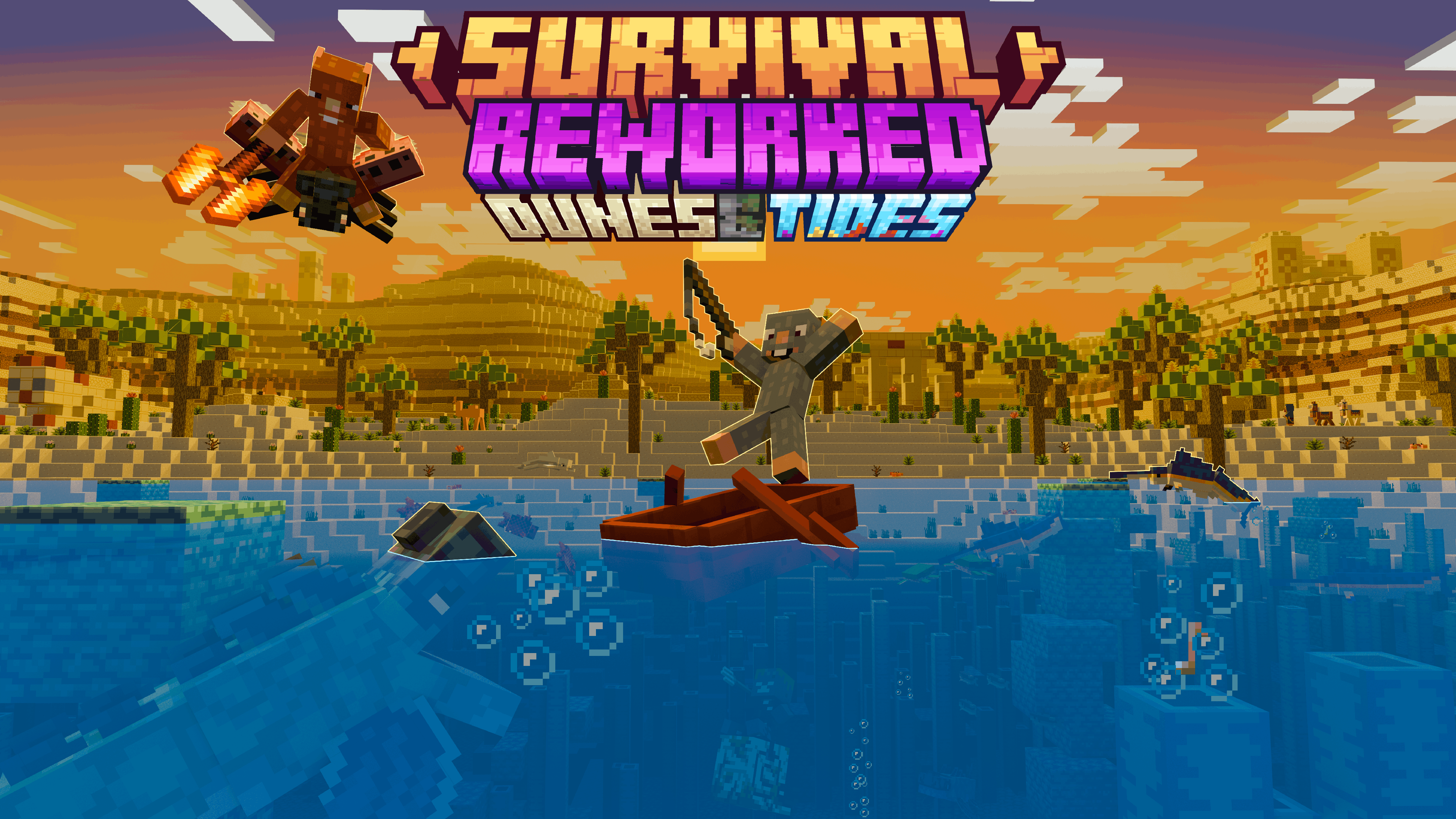
Want a fresh survival journey rather than a small convenience upgrade? Survival Reworked changes progression and adds artifacts, mobs, bosses and places to explore. It is the pick for players who want new discoveries to shape their next world.
What changes in your world?
The project combines a longer progression path with artifacts that have their own abilities, new enemies and bosses, and biomes, dungeons and ruins to explore. Its description lists more than 100 new mobs, so this is a substantial content expansion rather than a single utility feature.


What to check before starting
The creator requests Classic UI for mobile players because Pocket UI is not supported, and asks players to enable Beta APIs. Match the downloaded file to your game version instead of assuming every release supports the same setup.
Before you play: The project requests Classic UI and Beta APIs. Choose the file that matches your Minecraft release.
2. OTG Backpack
Travel farther, carry more · By dinorawrski
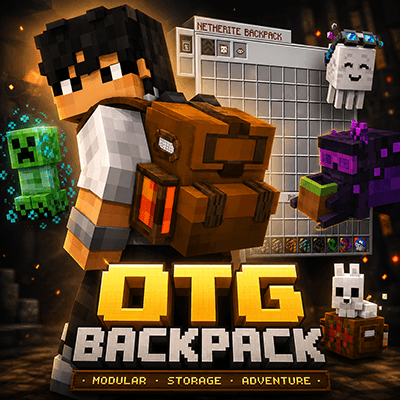
OTG Backpack turns portable storage into a progression system. Upgrade through backpack tiers and expand your travel kit with modules, portable workstations, sorting and fluid storage. It suits explorers who keep running out of inventory space before they are ready to return home.
Storage that grows with your adventure
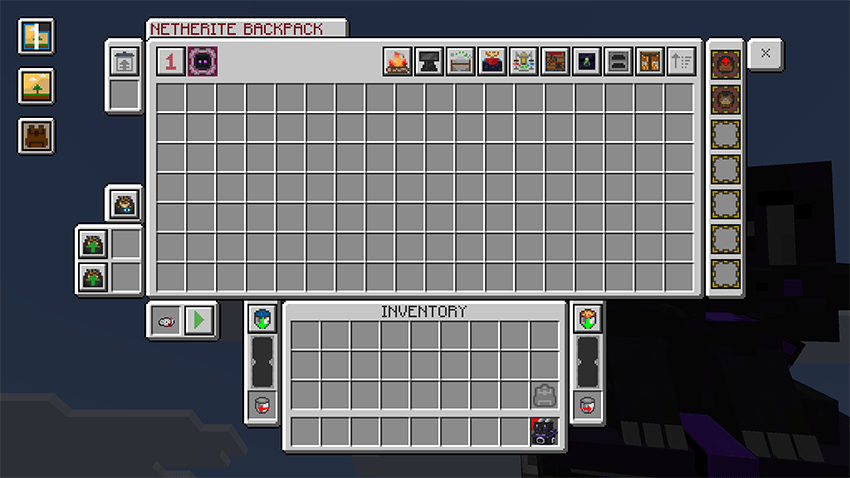
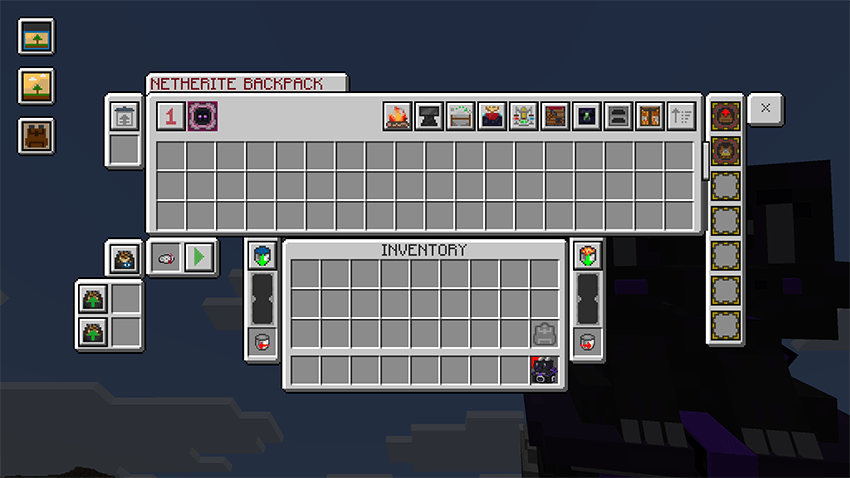
Backpack tiers progress from Basic through Copper, Iron, Gold, Diamond and Netherite. The Netherite tier provides 126 slots; its Overpack module adds a separate second page with another 126 slots. Higher tiers unlock additional utility rather than simply changing the backpack appearance.
More than an extra inventory
The creator describes built-in crafting, portable workstations, fluid tanks and sorting tools. Optional modules include Magnet, Stockpile and Furnace systems. Available utilities depend on tier, modules and world settings, so the full toolkit is something to build toward.
Before you play: Utility depends on backpack tier, installed modules and world settings. Start small and upgrade as your adventure grows.
3. System Dynamic Lights
Light up your next cave trip · By SystemTv

Supported light sources illuminate your surroundings while you move. Personal settings, world controls and performance presets make portable lighting useful for cave exploration without requiring the same setup for every player.
Lighting for different situations
Supported sources can work from the main hand, offhand, compatible helmets, dropped items and supported entities. The configuration separates personal preferences from operator-controlled world settings, letting players choose their own lighting behavior without changing everyone else’s.
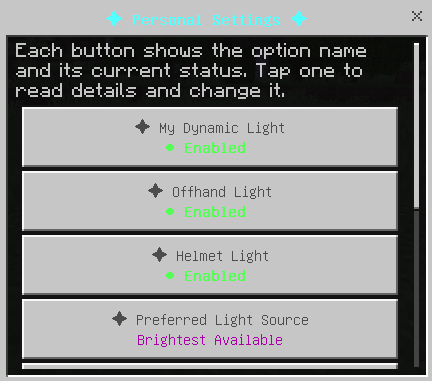
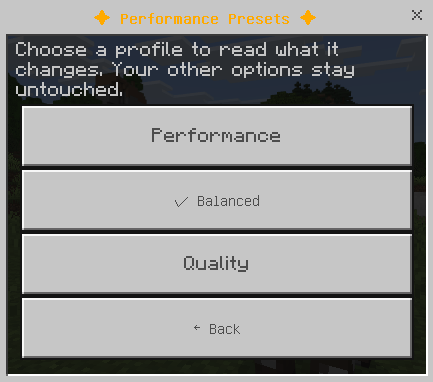
Settings worth exploring
Performance presets adjust how much lighting is processed, including limits on dropped lights and entity lighting. Operators can also register compatible light-emitting items from other addons and assign supported light levels through Custom Light Sources.
Before you play: Use a conservative performance preset on mobile devices and increase lighting options only as needed.
4. Survival+
A familiar world with more to discover · By WildForgeStudios
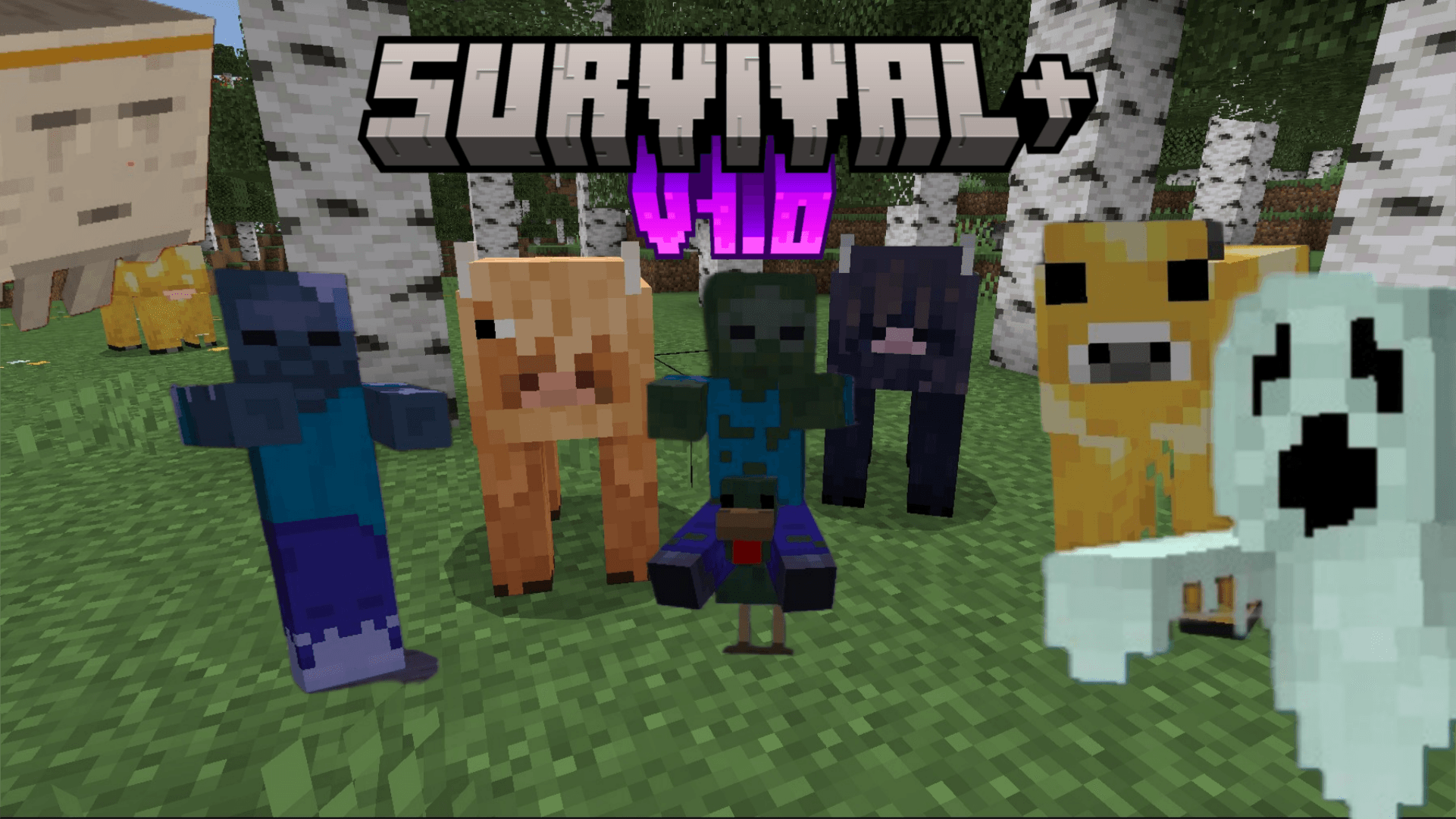
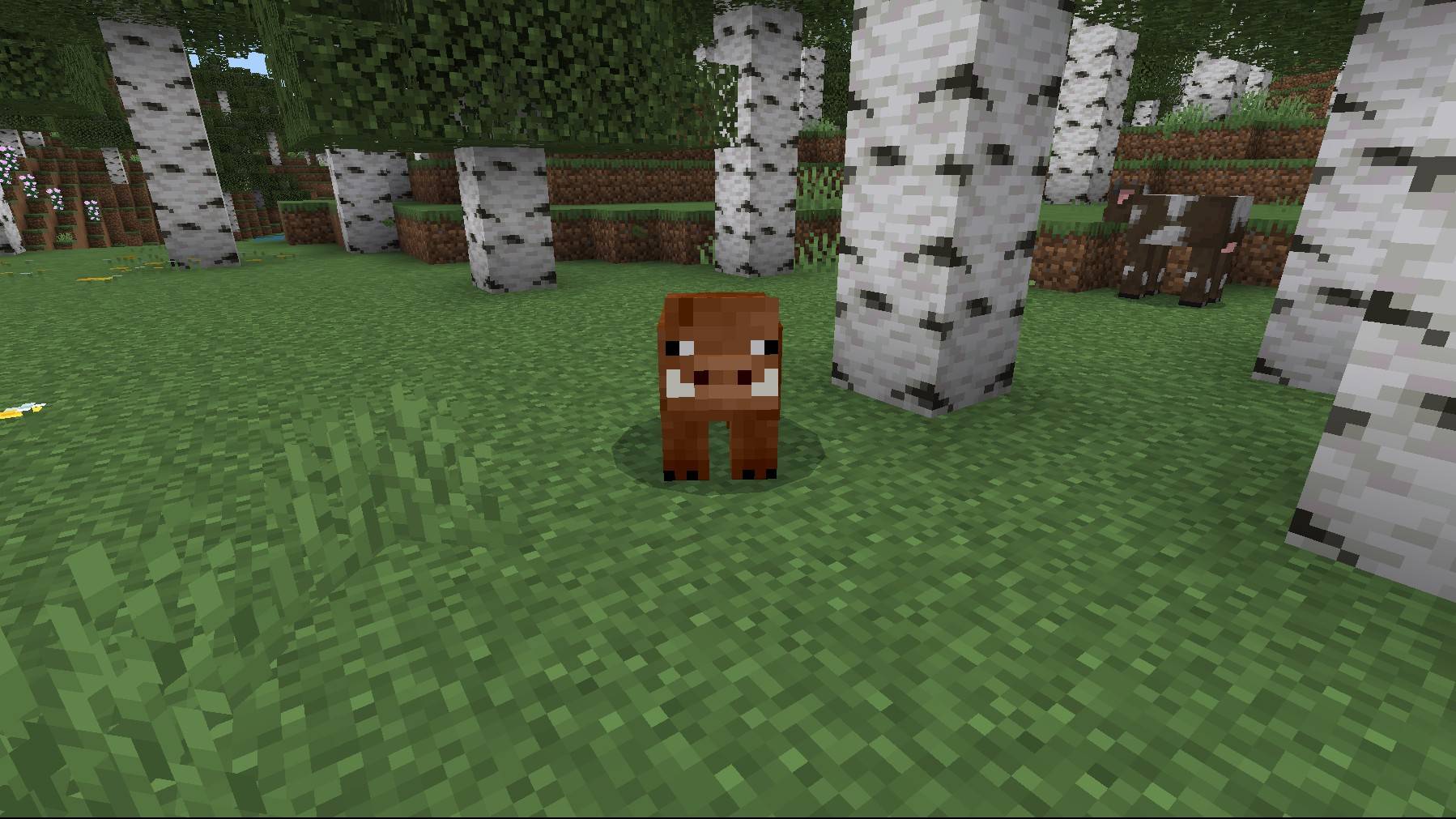
Survival+ adds ores, materials, equipment, food, mobs and a Nether mini-boss while aiming to preserve the feel of vanilla survival. It is a smaller expansion for players who want new crafting goals rather than a completely different world.
New materials and equipment
Silver ore appears above Y=0, while ruby ore is found in deepslate below Y=0. The equipment includes ruby armor and tools, a longer-reaching silver spear and an End Bow with special Darkness arrows. New foods include drumsticks, crab meat and End Flesh.
A reason to return to the Nether
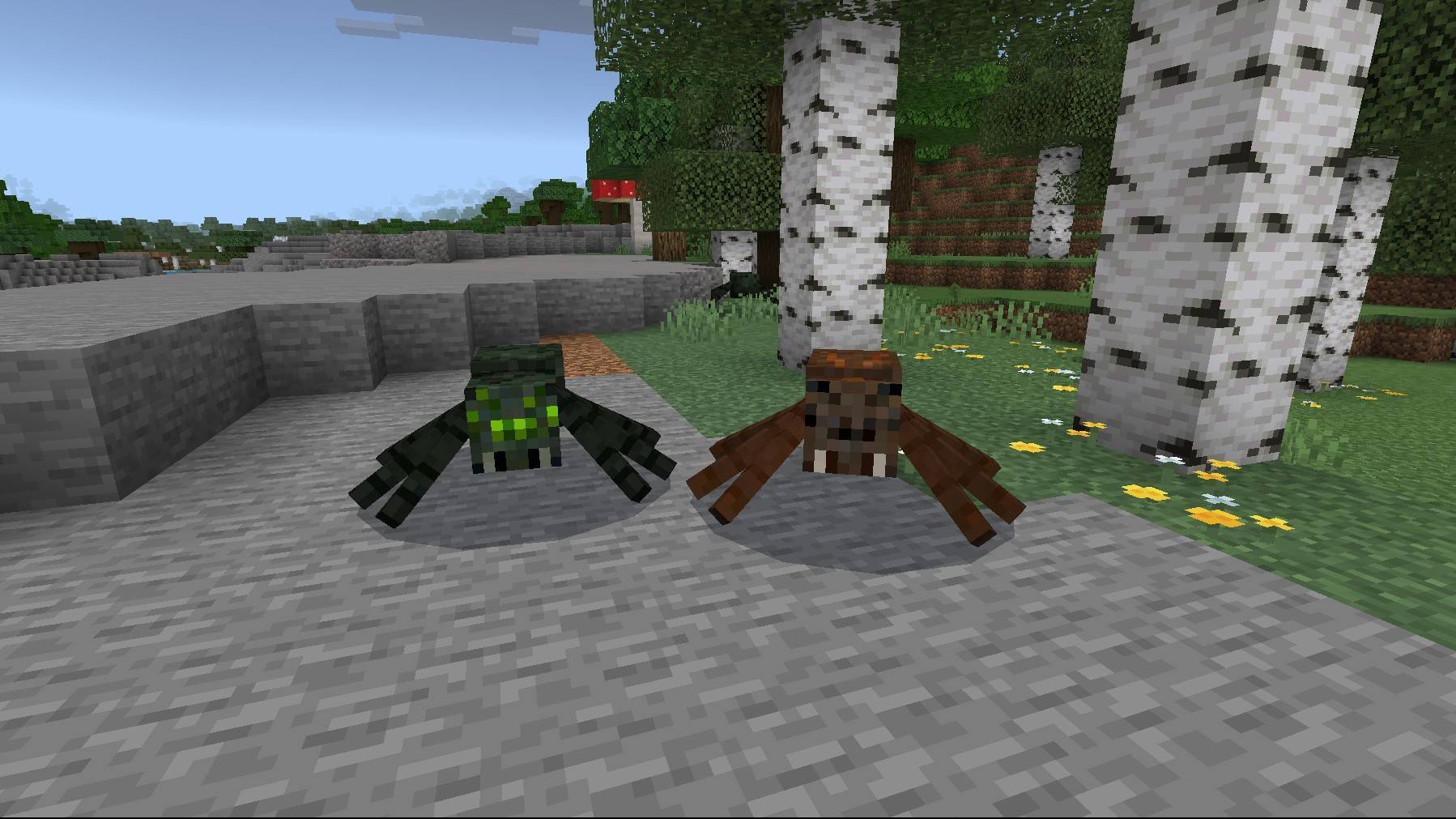
The Ghast Queen mini-boss uses a boss bar, fires double fireballs and periodically spawns ghasts. Its Queen Tear drop is needed to brew the addon’s Haste Potion. The creator lists new biome-based mobs as well, while specifying that the pack does not add custom structures, biomes or animations.
Before you play: Check supported versions on the file page. This project focuses on survival content rather than new biomes or structures.
5. Definitive Tree Capitator
Less chopping, more building · By SystemTv

Break a log with an axe and process a valid tree with configurable chopping behavior. Tree detection, optional replanting and performance profiles help builders collect wood while keeping control over how much the addon changes gathering.
Control how trees are processed
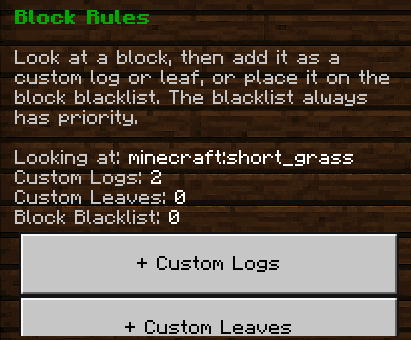
The configuration includes tree detection modes, maximum tree size, chopping duration, leaf handling and axe durability costs. Stricter detection helps distinguish natural trees from wooden builds; more flexible modes are available for custom trees and connected logs.

Replanting and shared worlds
Automatic replanting uses the required saplings from your inventory, including supported 2×2 trees. Safe, Balanced and Fast profiles adjust processing, and settings are saved per player. Compatible custom axes and hatchets can also be used.
Before you play: Use stricter detection near wooden builds and review axe durability costs before harvesting large trees.
6. Backpacks | Add-on
Storage with a different twist · By PurpleByte_
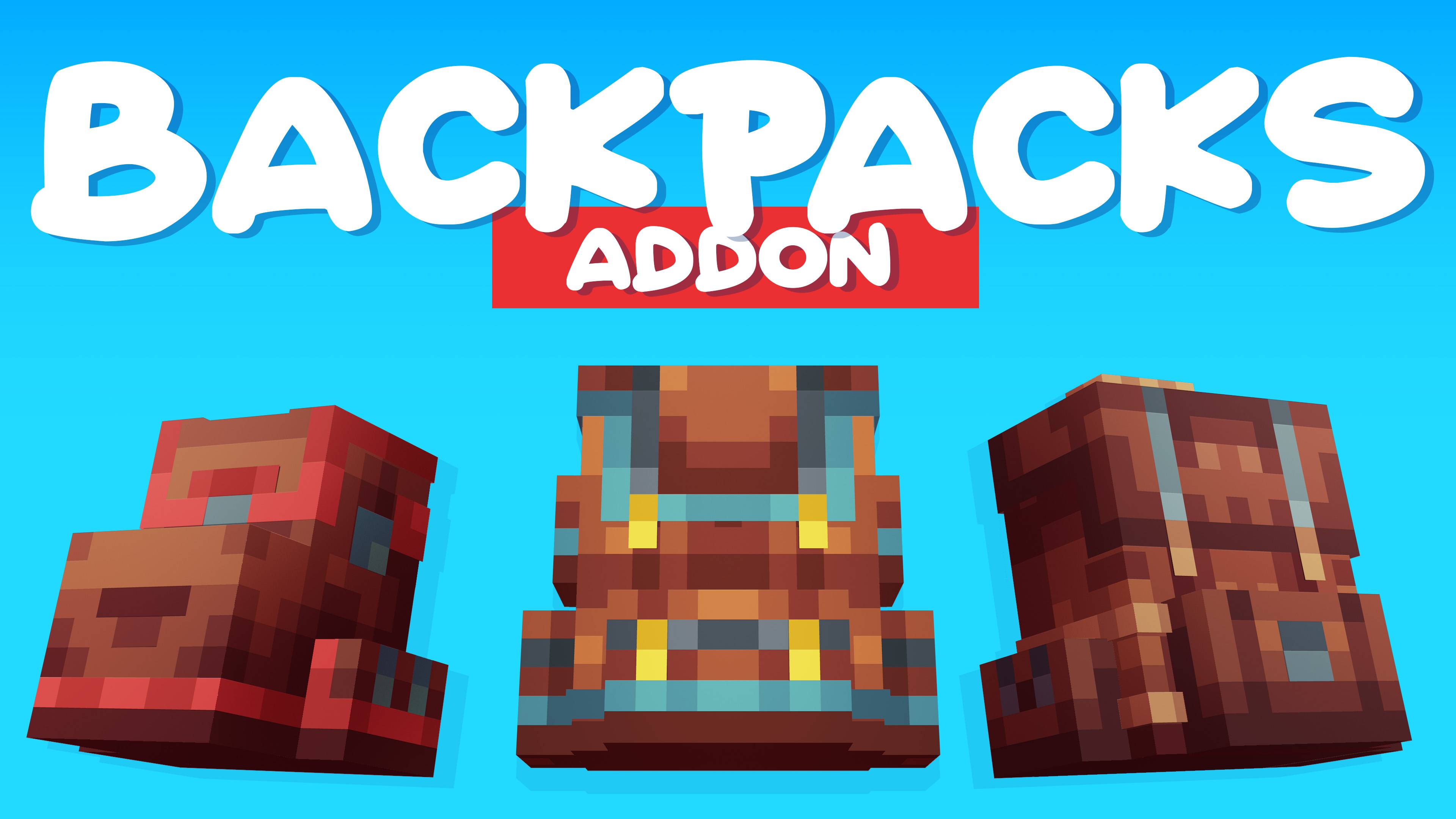
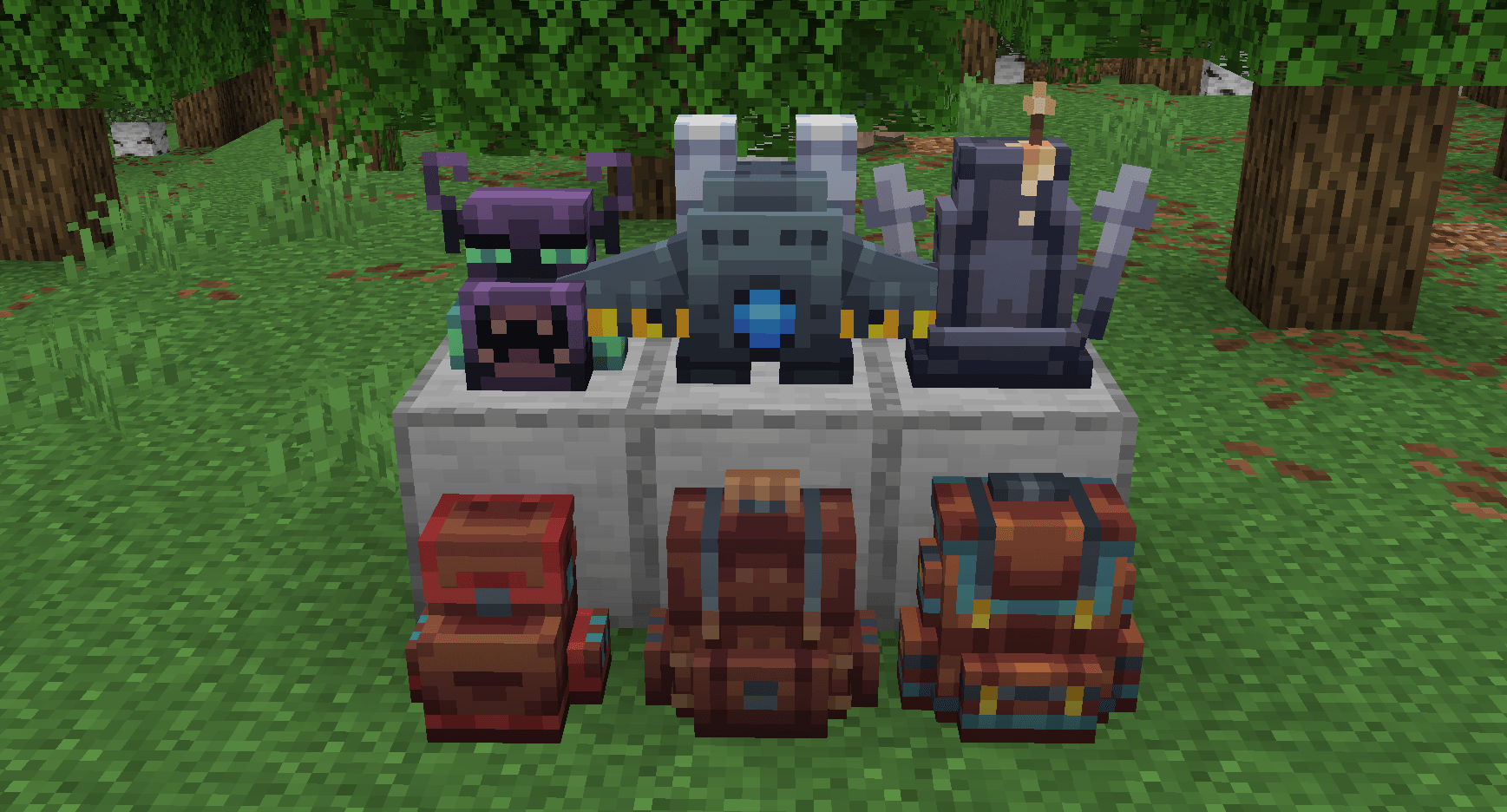
This alternative backpack system offers increasing storage tiers and special variants. Ender, Rocket and Grave backpacks introduce shared storage, flight and protection for backpack contents, giving different survival players different reasons to upgrade.
Choose a storage style
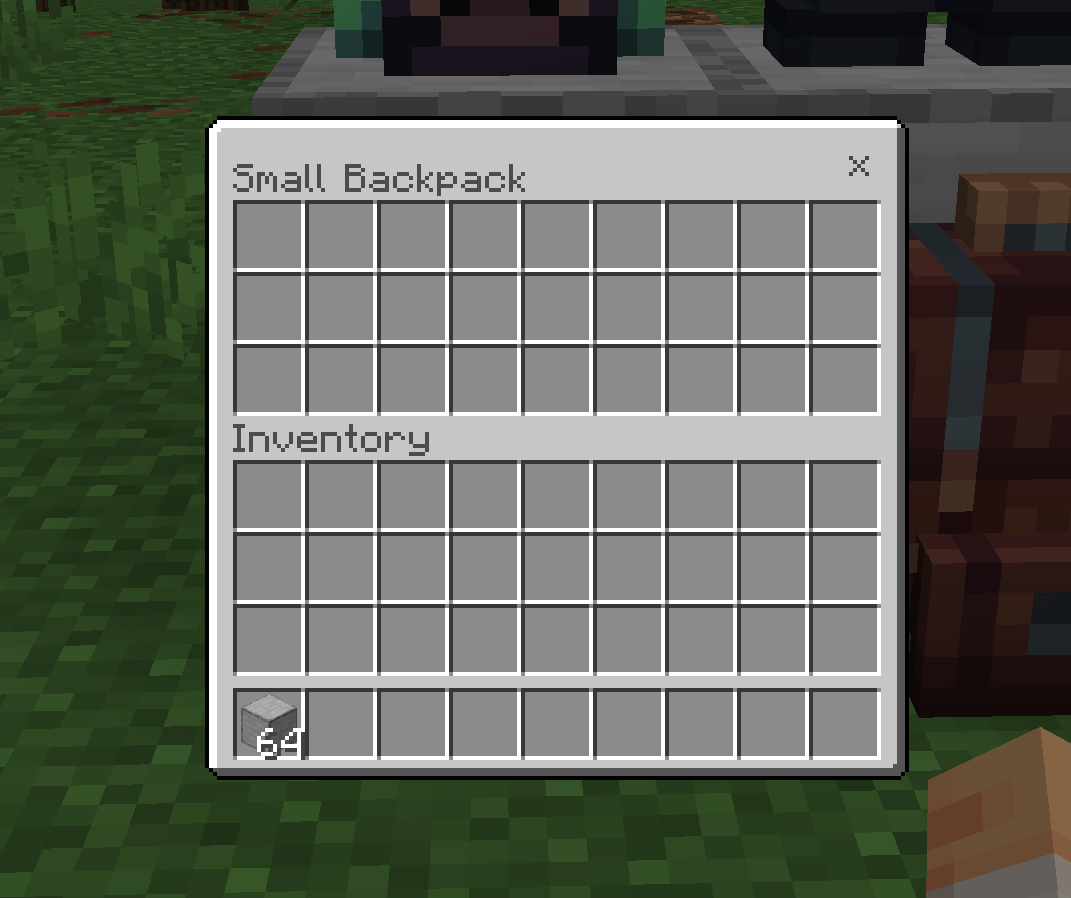
Small, Medium and Large backpacks increase portable capacity. Special variants change the role of the backpack: Ender backpacks share an inventory like an Ender Chest, Rocket backpacks use coal for flight, and Grave backpacks protect the backpack and its contents after death.
Finding your items
Most backpacks include a search bar for quicker access. An in-game guide explains the types and features. The creator lists singleplayer, multiplayer and Marketplace addon compatibility; check the downloaded file’s supported versions before adding it to an existing world.
Before you play: Choose this or OTG Backpack according to the mechanics you prefer. You do not need both storage systems in one world.
7. NewBows
Make archery your next goal · By SystemTv

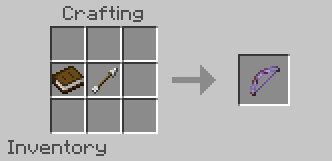
NewBows V3.0 adds 24 custom bows and matching arrows, individual Mastery, Perfect Shots and unlockable Techniques. Instead of collecting a bow and moving on, you can improve with it and work toward new combat abilities.
Progress with individual bows
Each bow has separate Mastery progress. Perfect Shots reward releasing at the right time, while compatible bows unlock Techniques at Mastery II. Bows without a Technique receive passive Specializations instead. Mastery III upgrades these bonuses.
Learning the system in-game
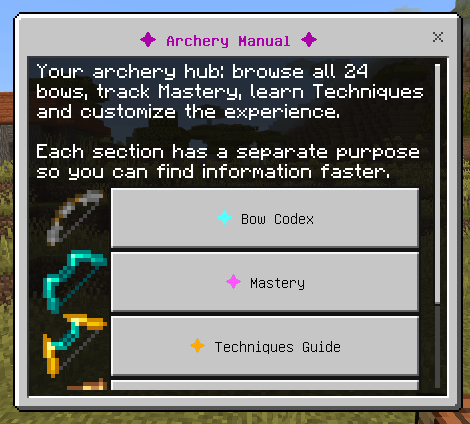
The Archery Manual includes a Bow Codex, progression information, a Techniques guide and settings. Each bow uses its corresponding custom arrow. Vanilla bow enchantments are supported, with custom handling for Infinity and Unbreaking; the manual helps you check acquisition and ammunition before choosing a bow.
Before you play: Read the Archery Manual for ammunition, crafting and progression requirements.
8. StoneTombs
Turn a bad death into a recovery mission · By SystemTv

StoneTombs stores belongings in a tomb after death and provides a matching key for recovery. It helps long-running survival worlds keep equipment recovery meaningful without turning every lost expedition into a complete restart.
How recovery works
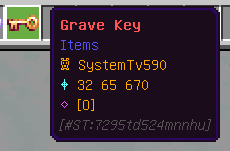
A tomb is created after death with the player’s name, and its corresponding key identifies the recovery location. Hit the tomb with the matching key to release stored items. Tomb information appears on the key and in chat.

Extra recovery mechanics
An enchanted key can teleport the player to the tomb. The addon also describes a protective earth structure for tombs generated after a lava death. Read the current settings and guide so you understand the recovery behavior before testing it with valuable equipment.
Before you play: Check tomb settings and recovery instructions before relying on them in a dangerous area.
Which survival addon should you choose?
For a bigger adventure: start with Survival Reworked. For a gentler expansion, consider Survival+. For longer expeditions, choose one backpack system. If you prefer familiar survival with more convenience, Dynamic Lights and Tree Capitator focus on tasks you already do. NewBows adds a combat goal, while StoneTombs focuses on recovery after death.
This is a curated selection, not a tested combined addon pack. Version requirements differ. Read each project's file notes and test your chosen combination in a copy of your world.
How to install Minecraft Bedrock survival addons
- Use the official download buttons above and select a file supported by your Minecraft version.
- Import the downloaded pack into Minecraft Bedrock.
- Activate the required Behavior Pack and Resource Pack in your world settings.
- Enable experimental options only when the individual project requires them.
- Check controls and settings in a test world before starting your main adventure.
Frequently asked questions
Do these work with Minecraft Java Edition?
No. These projects are Minecraft Bedrock addons. Java Edition requires its own mods and installation process.
Can I use every addon together?
Individual compatibility claims do not guarantee every combination works. Pick the features you need, check requirements and add projects one at a time.
Do all of them need experiments?
No. Requirements vary. Survival Reworked's description requests Beta APIs; consult the current instructions for the file you download.
Looking for more ideas? Browse more Minecraft Bedrock addon tops.


