
.jfif)
Minecraft Bedrock horror projects can change a familiar survival world through sound, stalking behavior and unpredictable encounters. This list focuses on four current projects from different creators, using only the features and compatibility information stated on their official CurseForge pages.
1. Horror Add-On — CAPEYISLIVE
This pack groups several separate horror experiences: The Bloody Mist, The Night Stalker, The Deruanged and a Bedrock recreation of Playmate. Its official description highlights stalking creatures, sirens, chases, jumpscares and survival events, so it is better suited to a dedicated horror world than a quiet long-term survival save.
The individual encounters are not identical. The Bloody Mist includes stalking, a chase, a jumpscare, new sounds and atmospheric events such as blood rain and moon phases. Night Stalker revolves around hearing sirens and reacting before the creature reaches you. Playmate uses a game-like event after sleepless nights, assigning hiding or seeking behavior and offering creator commands for immediate testing.
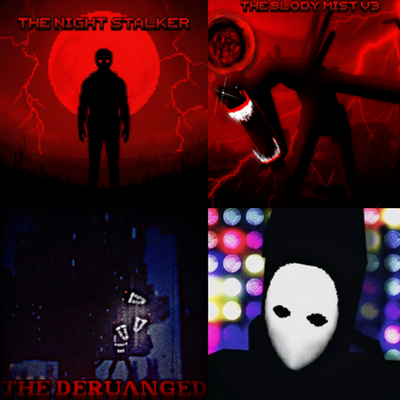
Why it stands out
It offers several horror concepts in one download instead of relying on a single monster. The creator also identifies the original inspirations and the Bedrock port authors on the project page. CurseForge lists the main file for Minecraft Bedrock 26.20.
2. Nightmare Horror — KreativeBlocks
Nightmare Horror takes a psychological approach without centering the experience on a custom monster. It introduces mysterious signs, unexpected blocks and ladders, unsettling chat messages, strange sounds and unexplained events. According to the creator, activity increases at night and cooldowns keep the effects from firing constantly.
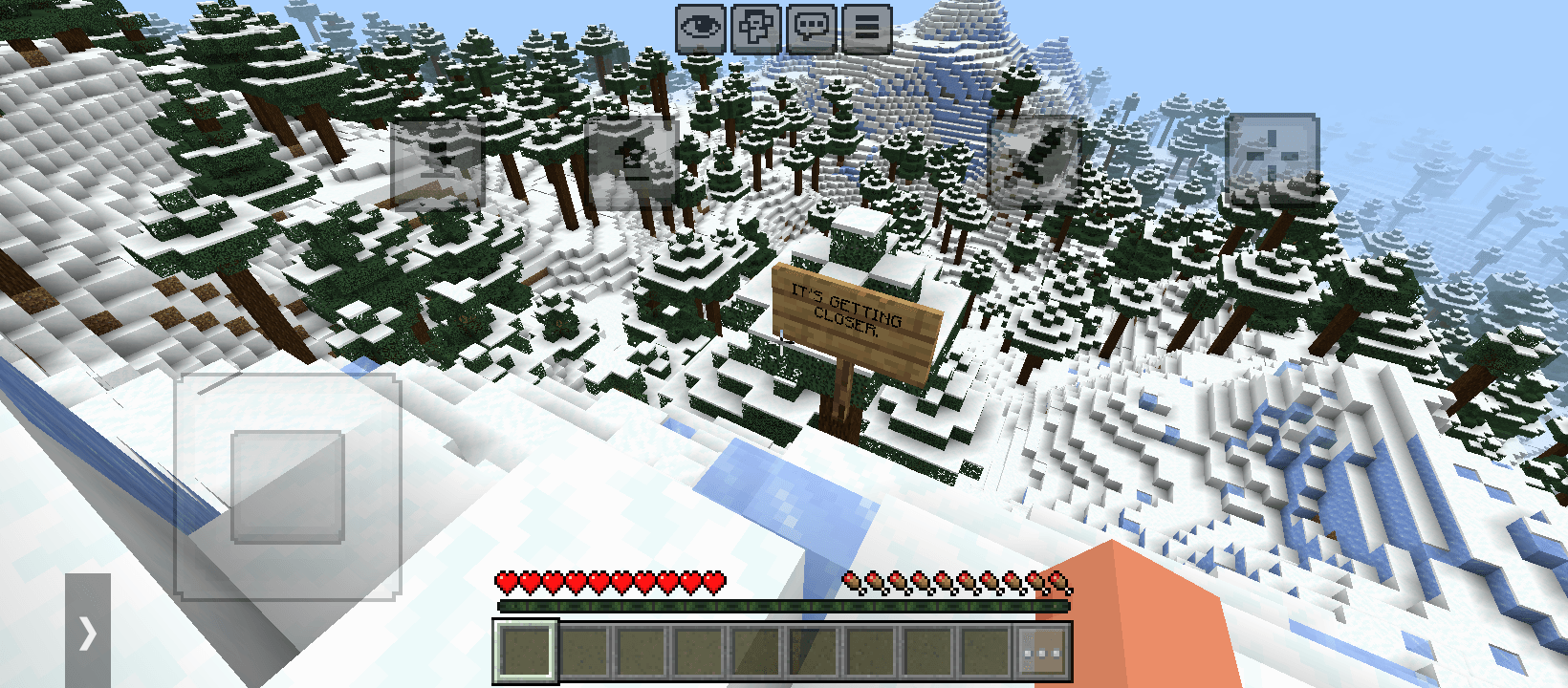
This design works well for players who want paranoia and atmosphere while preserving normal exploration. Because the events can alter what you see in the world, start with a test save and learn the pattern before combining it with other behavior packs. The current CurseForge page lists Bedrock 26.30.
3. Fazbear's Wrath — vviabushka
Fazbear's Wrath adds Fredbear as an intelligent stalking entity inspired by the FNAF franchise. The official project page describes encounters ranging from stalking and chasing to storm-like events and directional sound sequences, with enough random behavior that repeated encounters should not follow exactly the same pattern.
The creature is destructive, and a flashlight can sometimes blind it. The flashlight is granted when the world is created or can be crafted. Those details make preparation part of the experience: keep the light accessible, avoid testing beside valuable builds and check the creator's configuration notes before using the project in a larger pack.
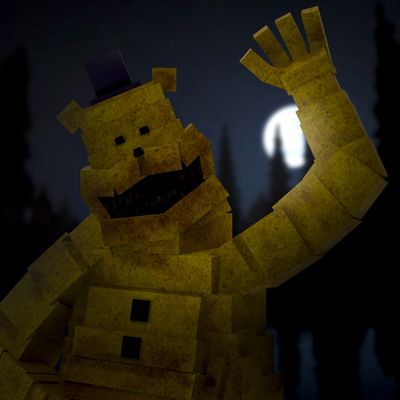
CurseForge lists releases for Bedrock 26.30, 26.20, 26.13 and 26.12. Choose the file that matches your game rather than assuming that the newest download supports every installation.
4. The Reeker — NoVisor
The Reeker is built around a progressive creature that can imitate physical sounds. The creator presents it as an intelligent threat rather than a simple enemy that attacks immediately, making sound cues and observation especially important during survival play.
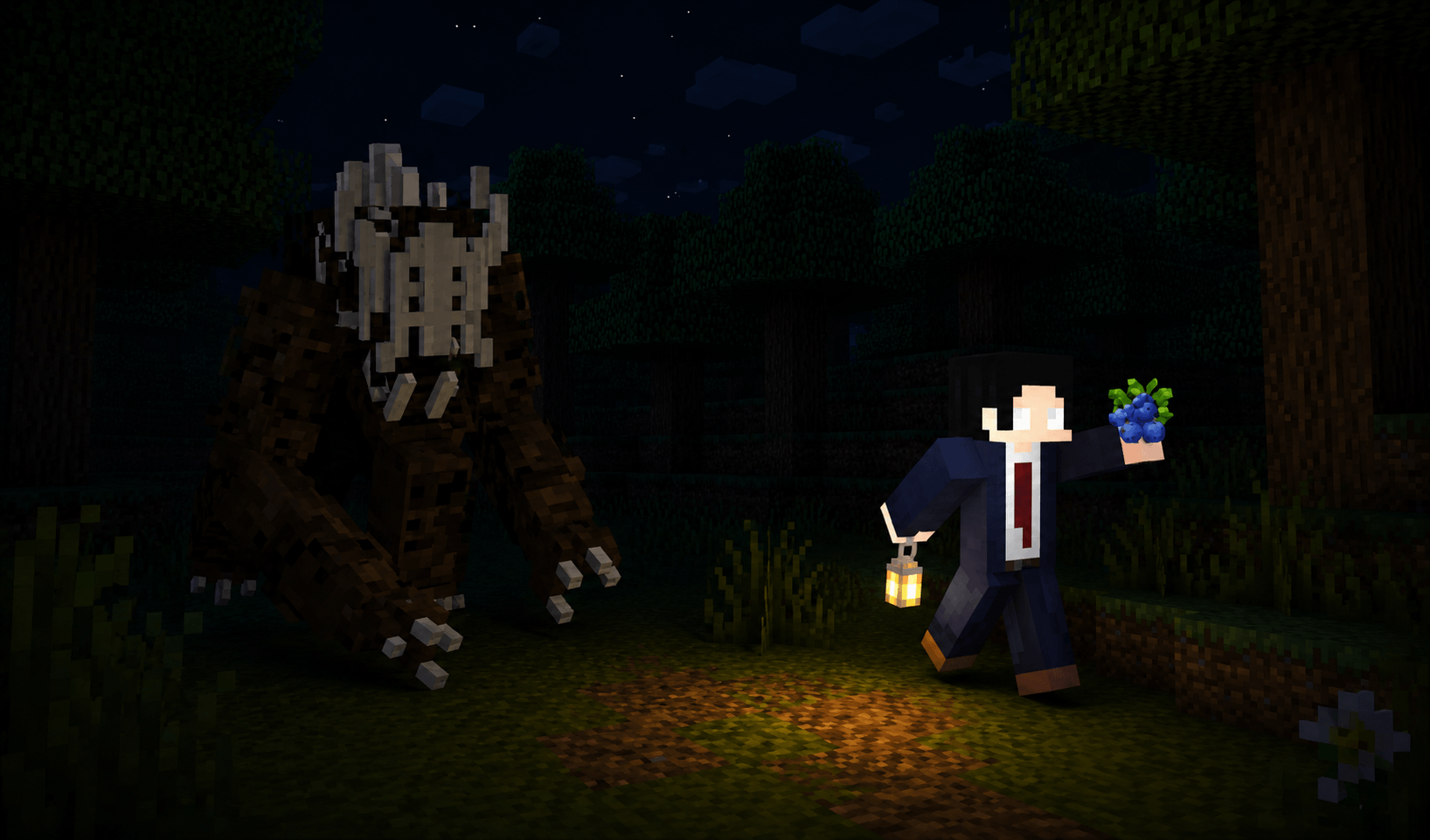
The gallery shows the creature, its updated model and situations connected to its blue berries and mask. CurseForge describes the project as multiplayer and survival oriented and lists support beginning with Bedrock 1.21.70, alongside newer game versions. Confirm the exact file for your release on the Files tab.
Which one should you choose?
Choose Horror Add-On for several different creatures and event styles, Nightmare Horror for subtle psychological events, Fazbear's Wrath for an aggressive configurable stalker, or The Reeker for a progressive sound-focused threat. Use only one first, verify that it works, and then test combinations in a disposable world.
Selection note: Features and supported versions can change. Check each creator's page before installing and keep a backup of important worlds.
.jfif)


